
GRANSHAN Bloom Award – before you register
What happens next?
-
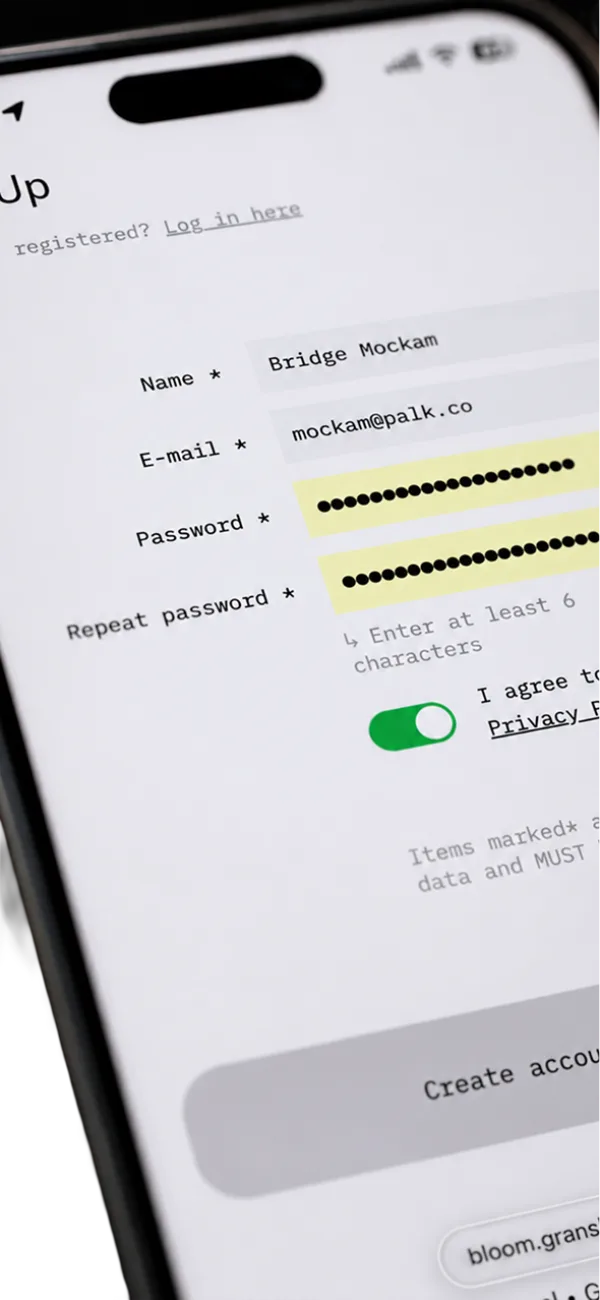
Register create your account -
![The verification e-mail on a phone, sent by [Yes][No][Maybe] App, with the confirmation link](/images/bloom-flow/step-02-verify-email.webp)
Verify email create your account -
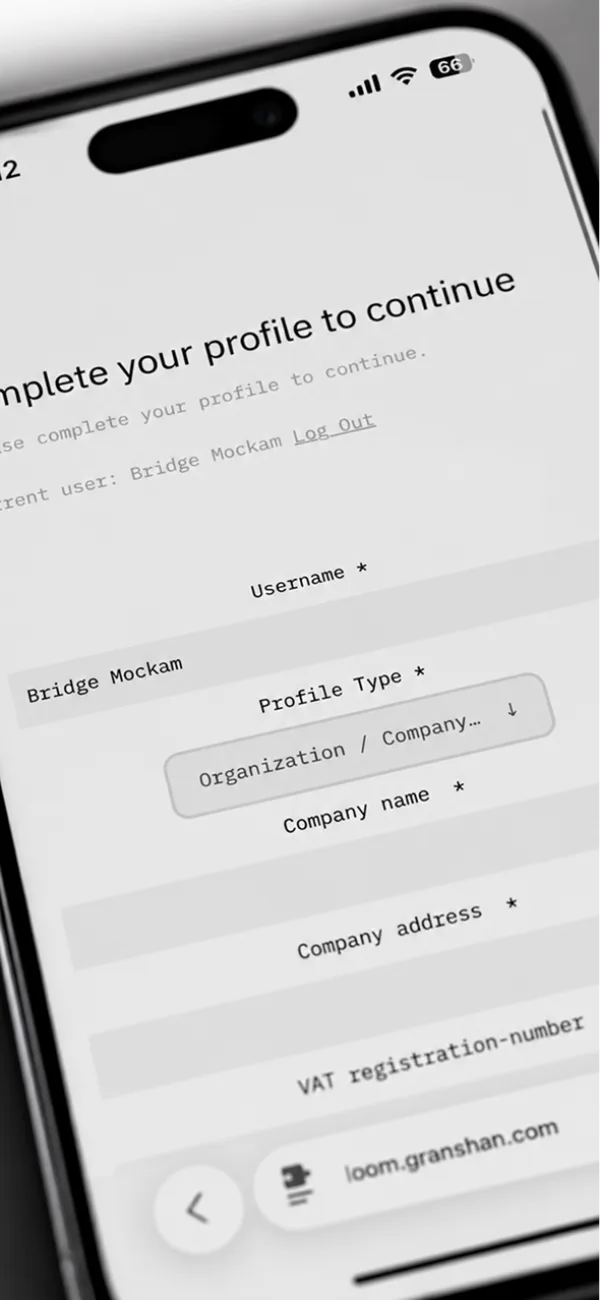
Add your details create your account -
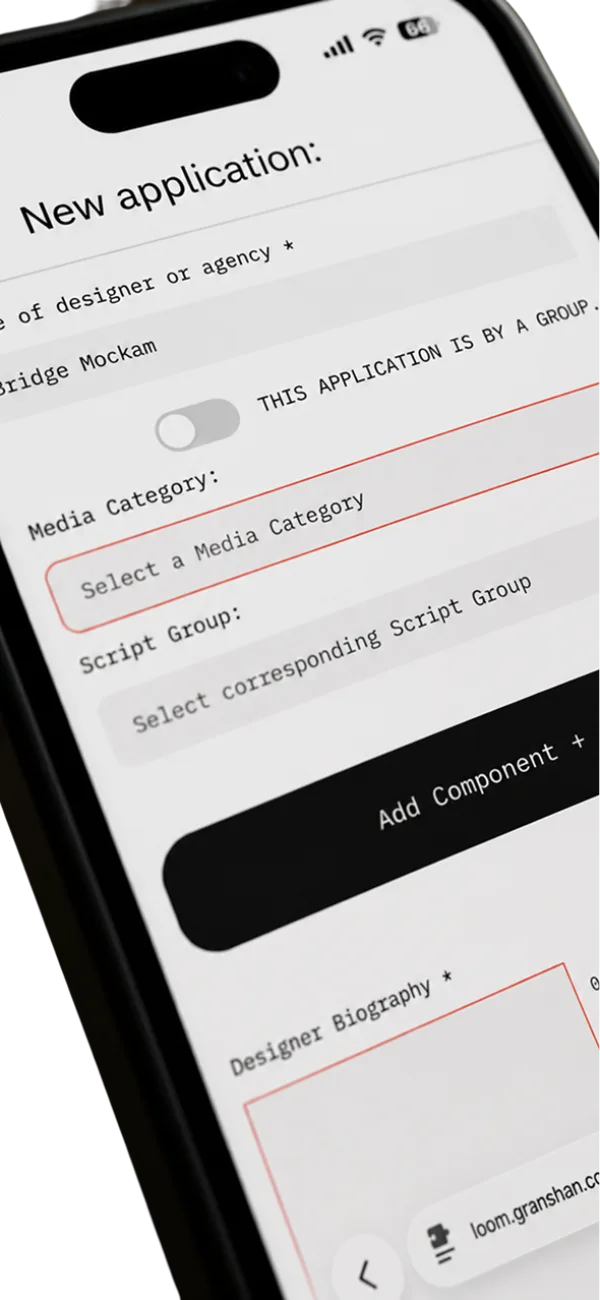
Create your entry auto saving – return at any time -
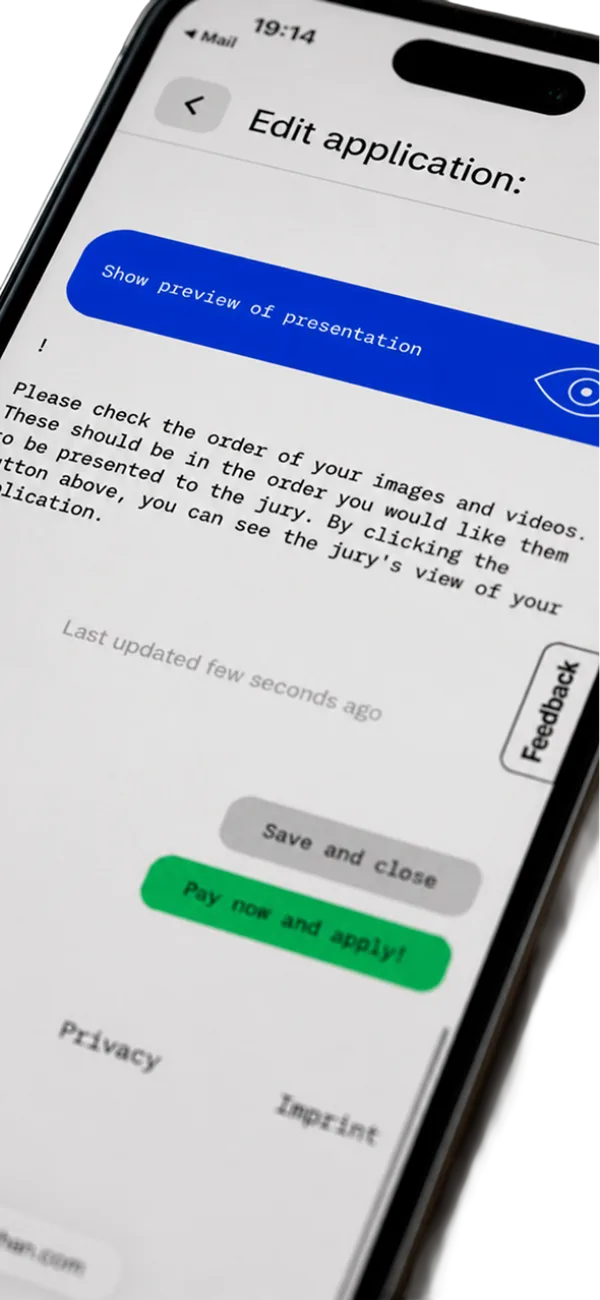
Review auto saving – return at any time -
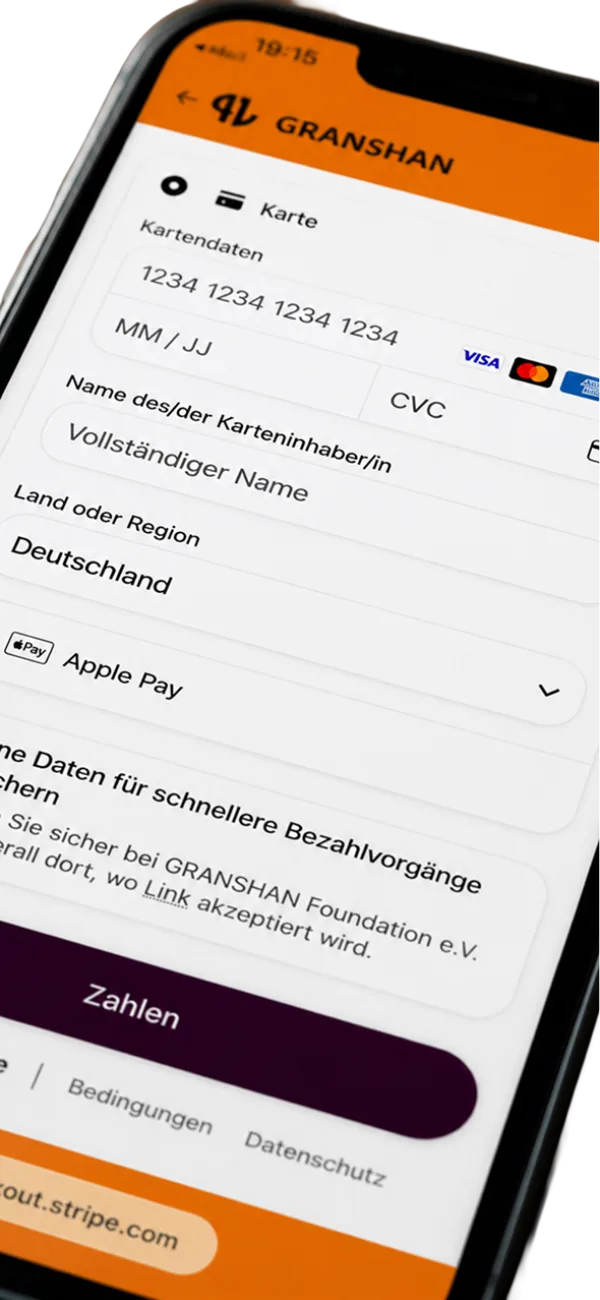
Pay auto saving – return at any time
You’ll be forwarded to bloom.granshan.com, our official submission platform. Registering is free.
Already have an account? Log in Fees Application Guidelines
- 1 Register
-
Name, e-mail and a password of at least six characters, and a tap on the privacy toggle. Free, and under a minute. You are then asked to check your inbox.
-
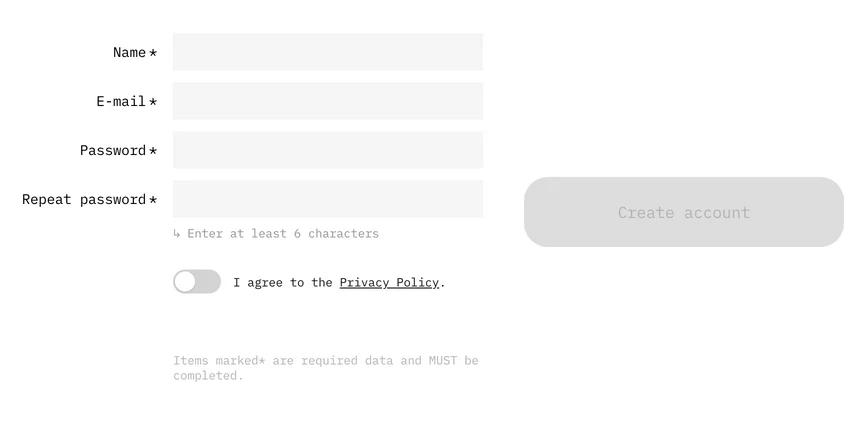
The sign-up form -
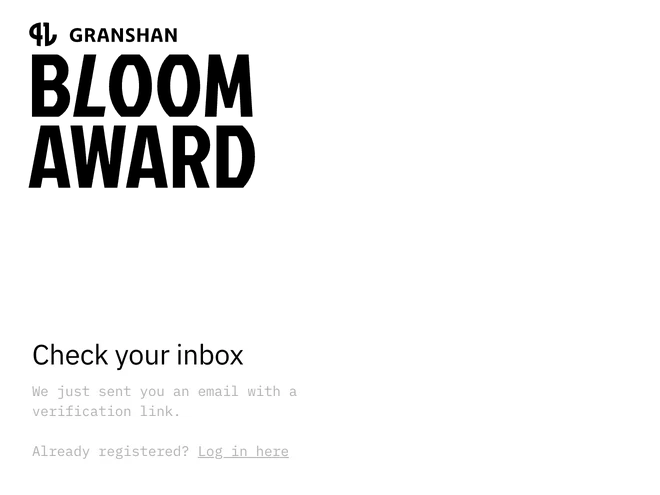
Check your inbox
-
- 2 Verify email
-
Required before your first login. The message is titled “Verify your email” and arrives from [Yes][No][Maybe] App, our platform partner – not from GRANSHAN – so check your spam folder. One click on the link, then log in.
-
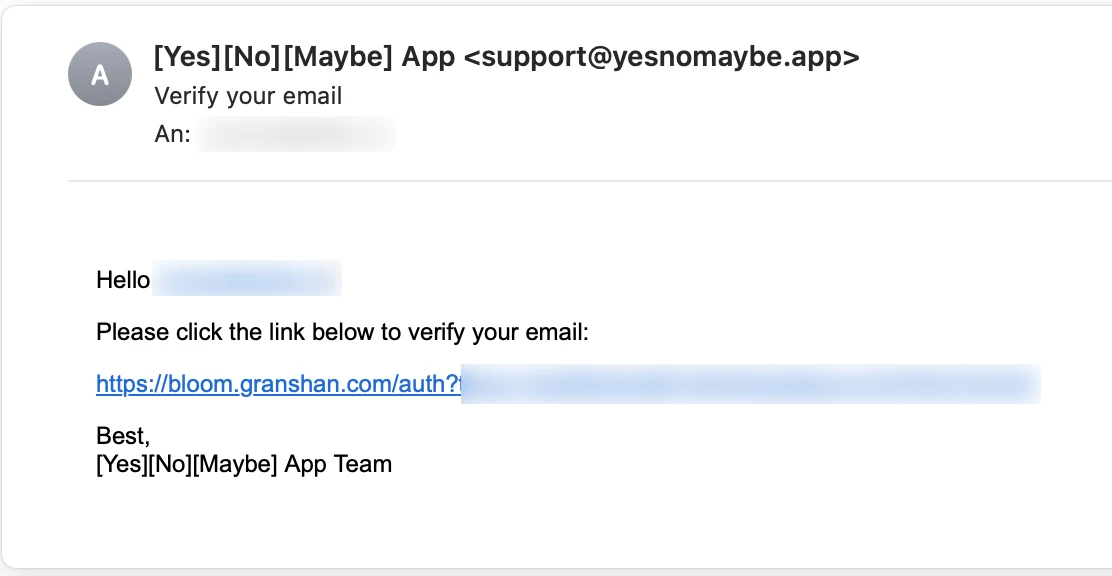
The verification e-mail
-
- 3 Add your details
-
Who is entering – an individual, a team, or an organisation – plus your contact details and your fee tier: students and freelancers, small and medium companies, or large companies. Asked once, before your first entry, and it decides what you pay.
-
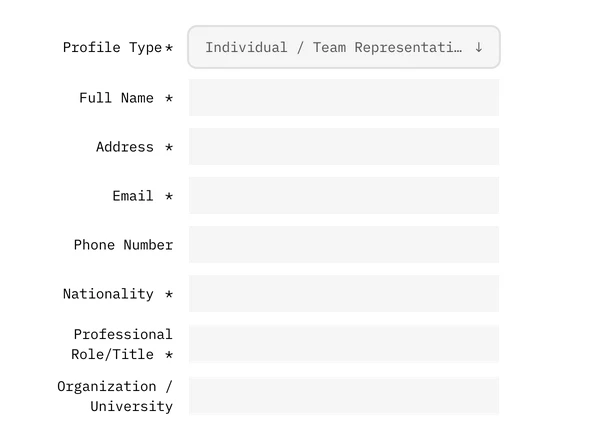
Profile fields -
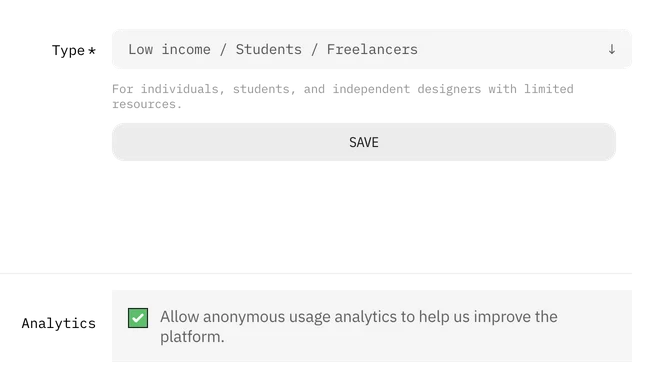
Choose your fee tier
-
- 4 Create your entry
-
One of nine media categories, your Script Group, up to ten components with up to five files each, a project description and a short designer biography of up to 1,000 characters. Everything saves as you go, so you can leave and come back.
-
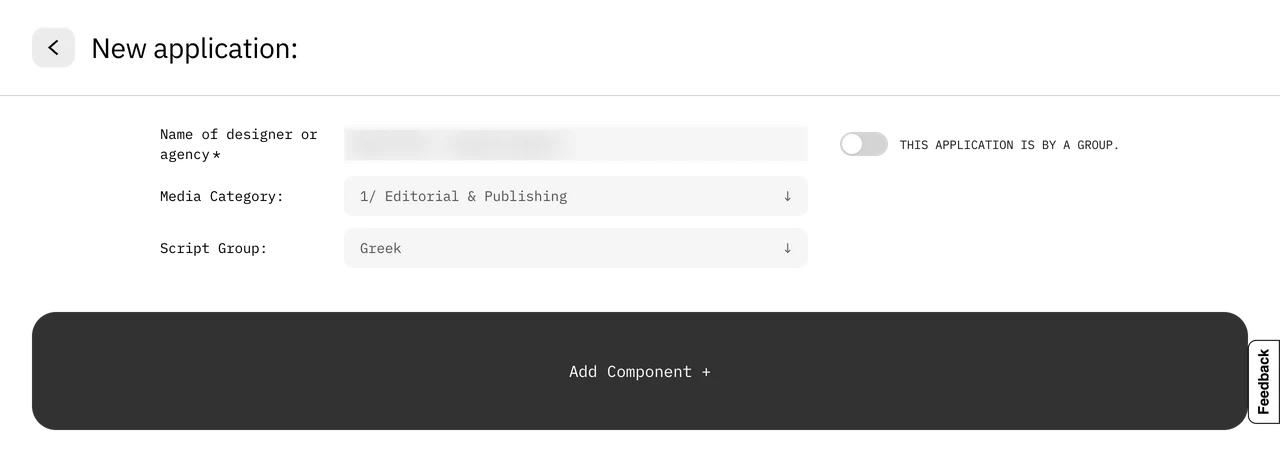
Category and script group -
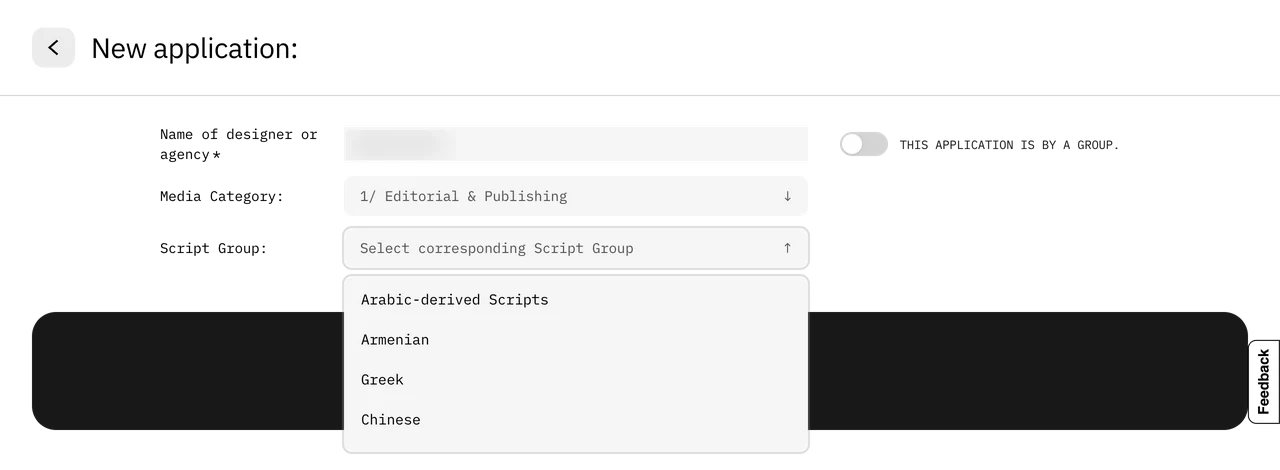
Pick a script group
-
- 5 Review
-
Preview your entry exactly as the jury will see it – every component, in the order you set. Change anything, as often as you like; nothing is final yet.
-
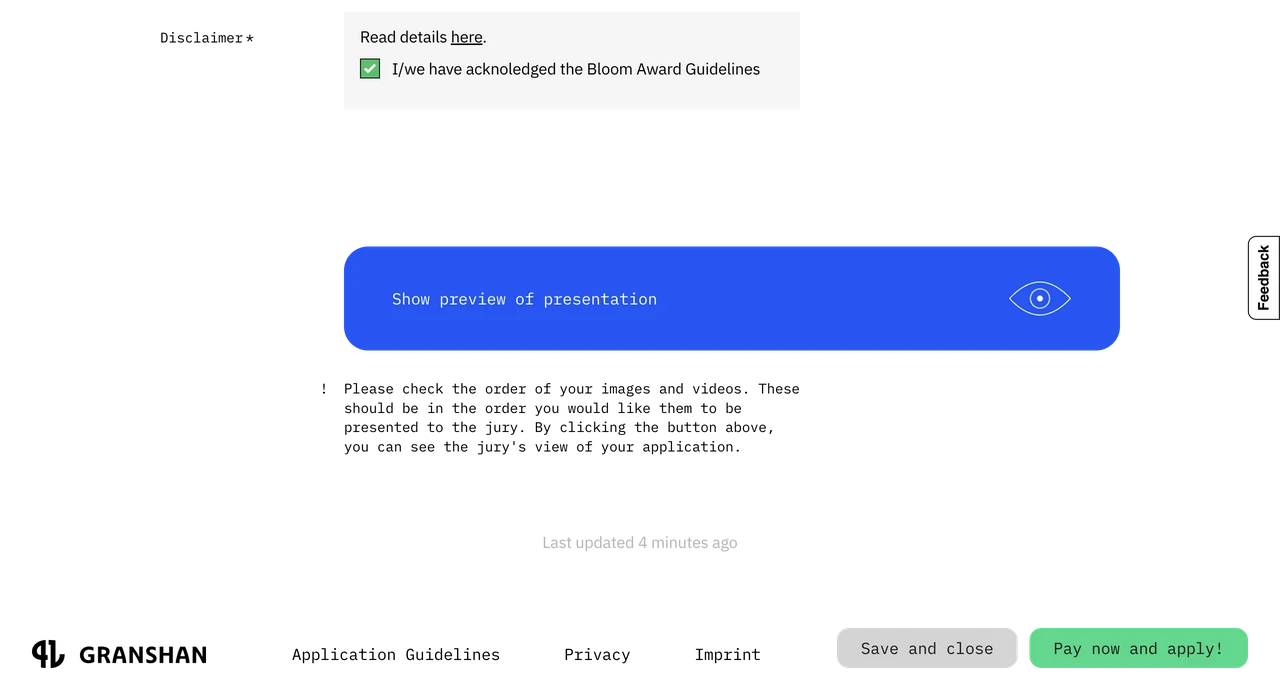
Preview, then pay
-
- 6 Pay
-
By card or Apple Pay, via Stripe. The fee follows your category and fee tier – from €30 including VAT – and each entry is paid for on its own. Paying is what submits the entry.
-
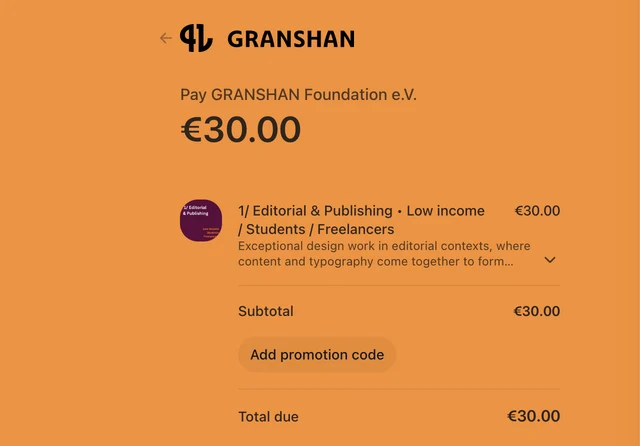
Secure checkout via Stripe
-
- Good to know
-
Write the project description and the designer biography about the work itself – the jury reads both. Once paid, an entry is locked: it can’t be edited or cancelled, and any further entry is a new one.
- Not ready yet?
-
The info page has everything here in full – fees, categories, deadlines and the fine print. Read the full submission info
Want to see how it works? Watch the how-to-submit video
- Help
-
Trouble registering? support@granshan.com. Anything else? granshan@granshan.com